SF Shadowfetch Disciplined iOS Studio

Shadowfetch.com

Shadowfetch AI Lab wordmark

Small iOS products built with a disciplined hand.

This site is now the current iOS portfolio only. Every product shown below exists in the active NVMe iOS workspace, carries its own mark, and is explained in plain English instead of inflated studio language.

  • Current Scope Nine active iOS products, no stale catalog filler.
  • Build Style Local-first utilities, practical flows, release-oriented work.
  • Visual Direction Clear marks, restrained layout, and stronger product identity.
Shadowfetch AI Lab crest with the hound mark

Current App Marks

A tighter brand system for the current lineup.

The logo strip is there on purpose. It gives the portfolio immediate shape and makes the product set feel like a real operating line instead of a loose collection of experiments.

Fast PDF app icon Grandma's Cookbook app icon Hush app icon Receipt to PDF app icon Route Pay app icon Renew Guard app icon Shift Swap Liaison app icon SnapDeck app icon Shadowfetch app icon Text Cleanse app mark

Portfolio

The active iOS portfolio, explained in plain English.

These are the current top-level app projects in the NVMe iOS folder. Each row explains what the app actually does and why it exists, not just what category it fits in.

Product
Category
What it does
Open
Fast PDF app icon

Fast PDF

Speed-first document capture for people who do not want scanner friction.

Capture Utility

Camera-led workflow

Keeps the scanner live, saves each page as its own PDF, and writes directly into Files. It exists to remove the usual scanning ceremony when you just need usable PDFs quickly.

View page
Grandma's Cookbook app icon

Grandma's Cookbook

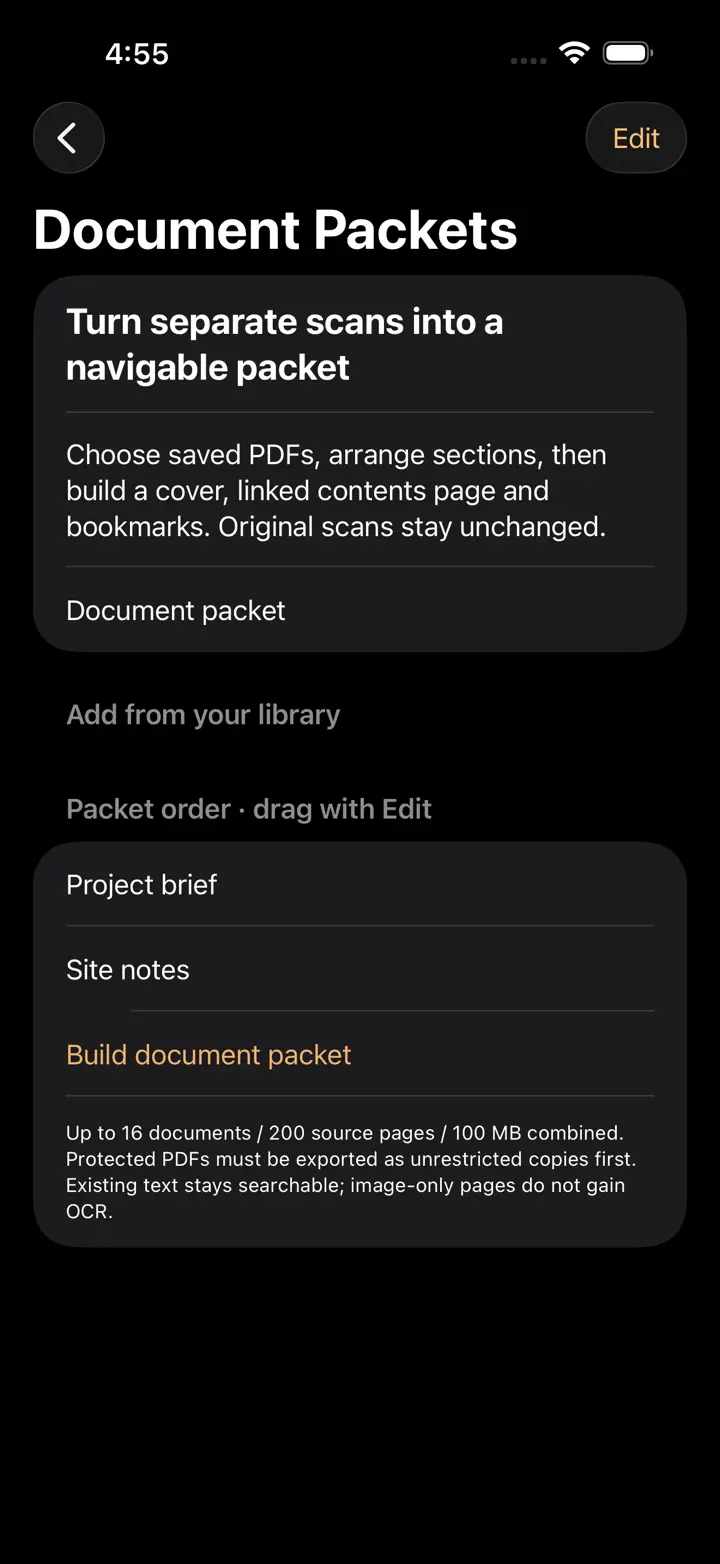
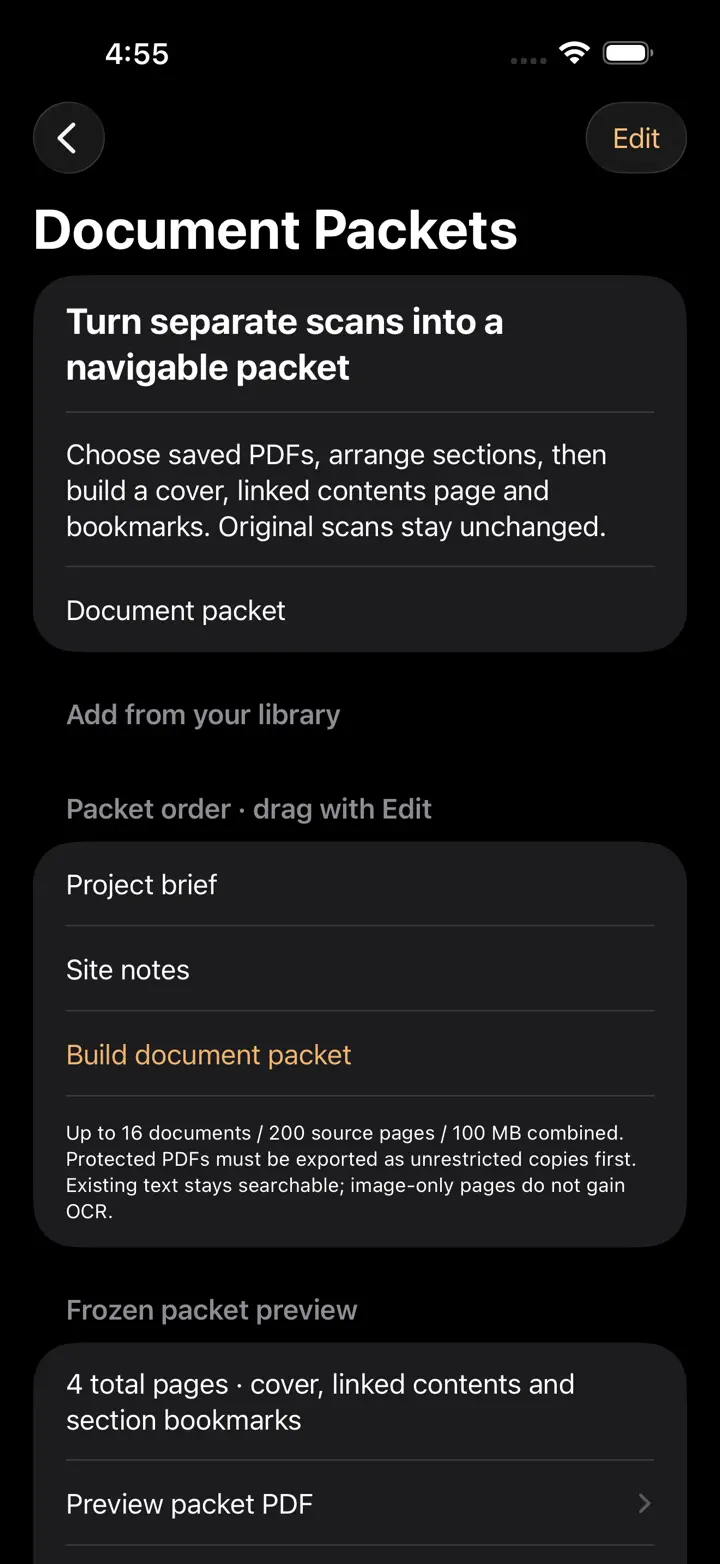
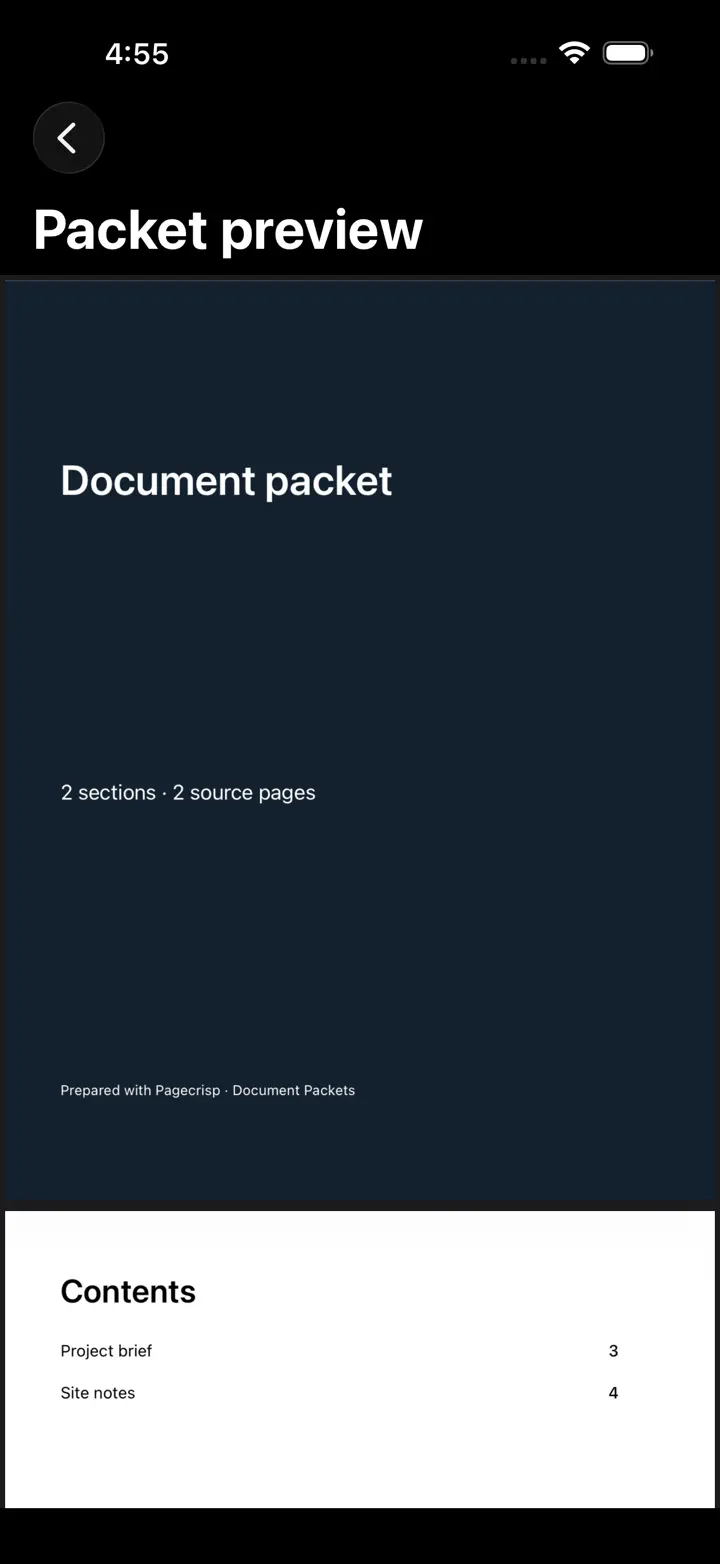
Family recipe preservation built around long PDFs, OCR repair, and memory.

Family Archive

Heirloom preservation

Scans old cookbooks into searchable volumes, keeps page images locally, and lets people correct scribbled or damaged text. The product is about saving family history in a usable format.

View page
Hush app icon

Hush

Private message prep before text goes anywhere else.

Privacy Utility

Offline-first

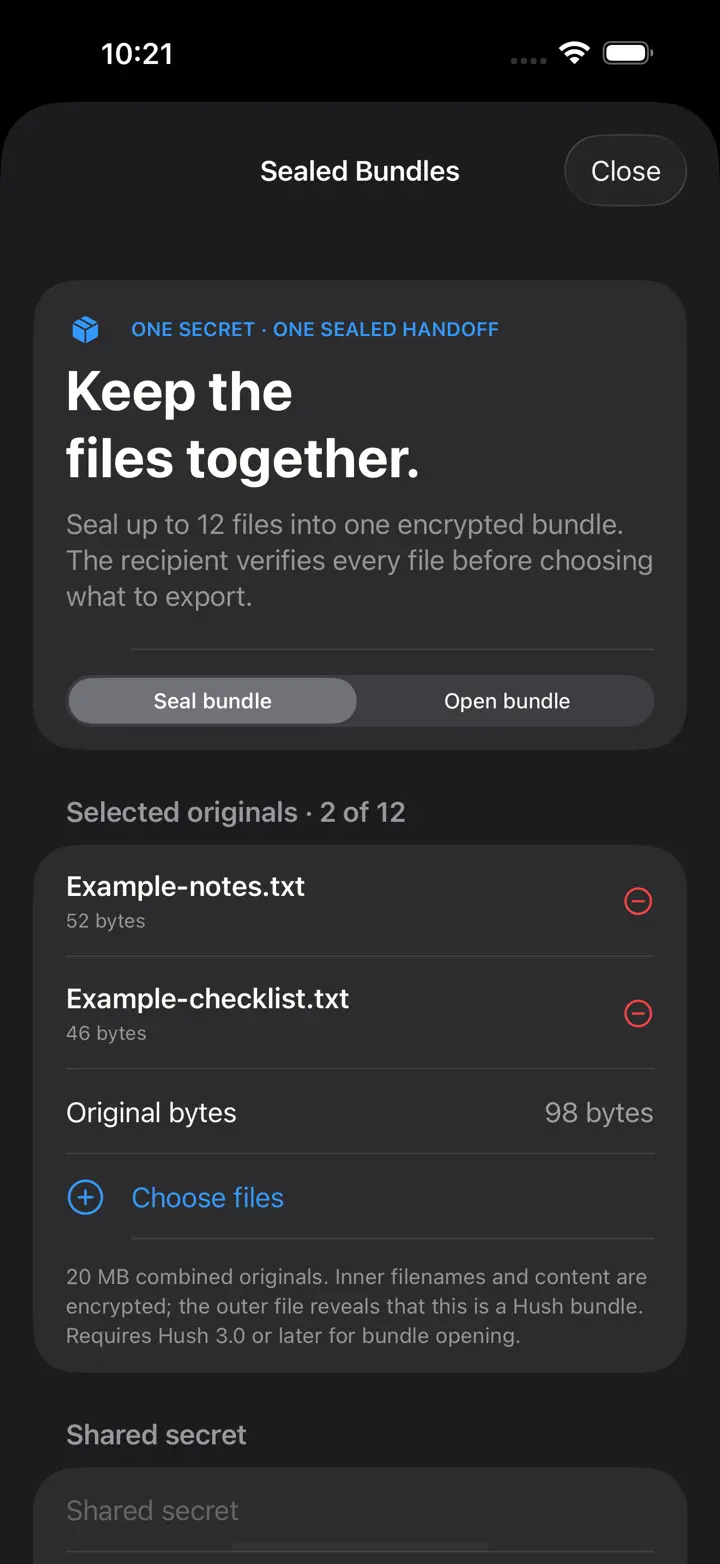
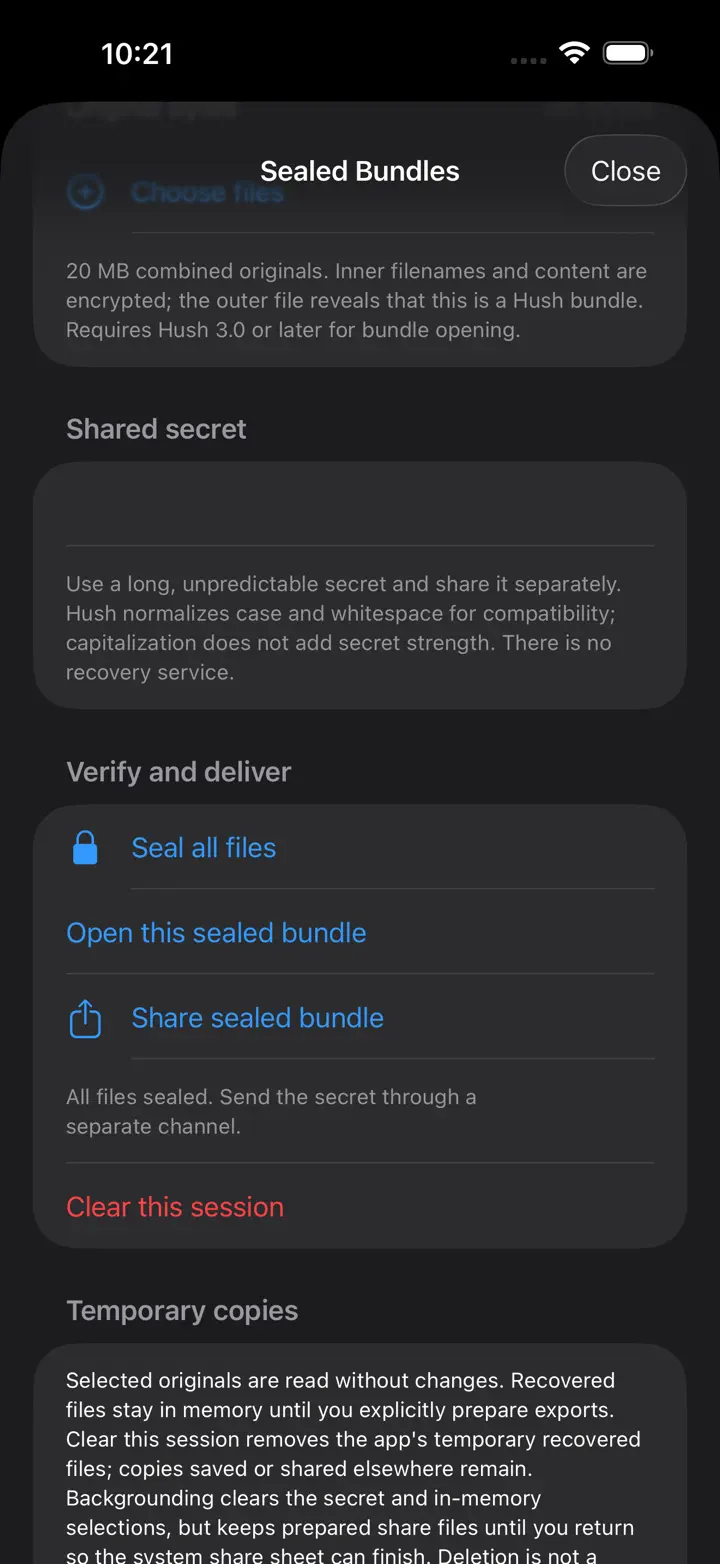
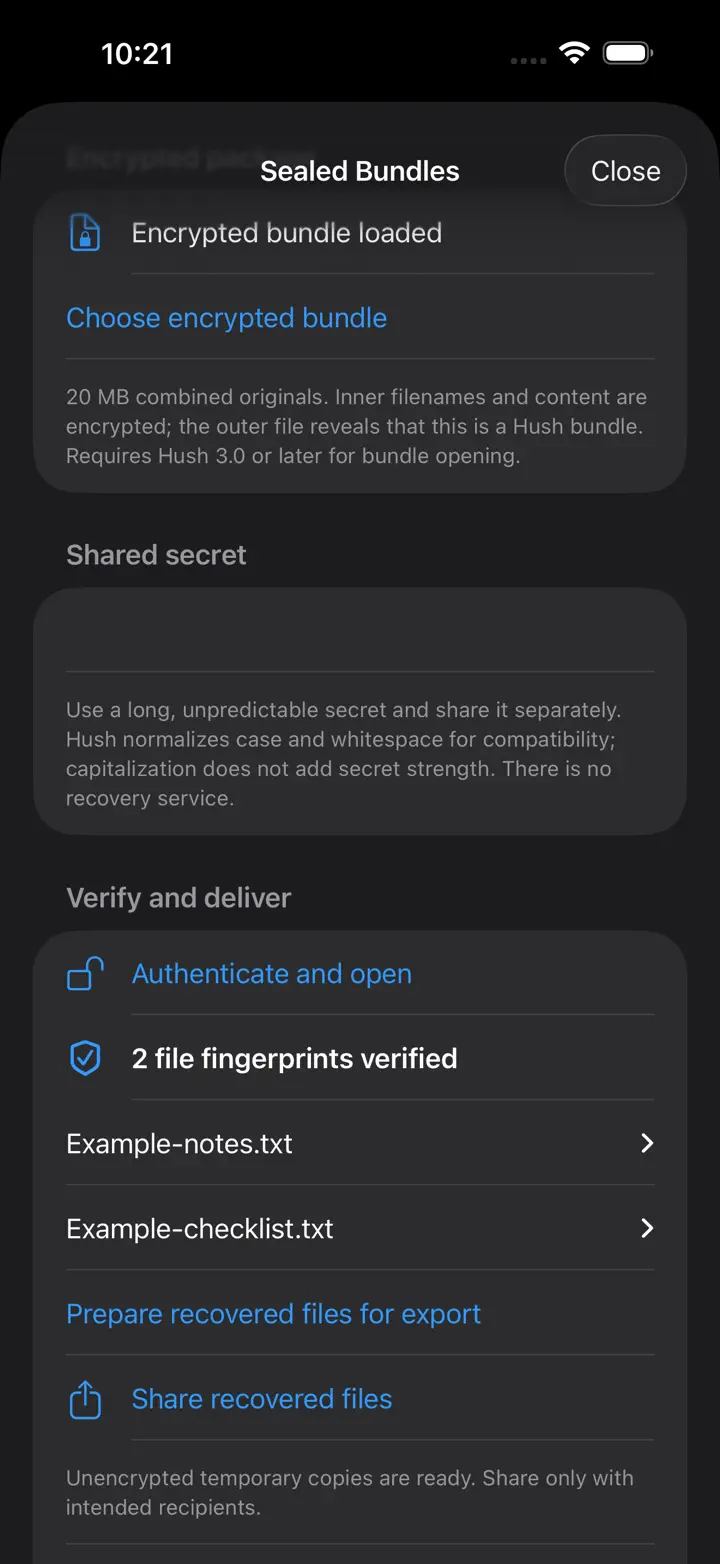
Encrypts text locally with a shared secret so a user can secure a message before moving it into another app. It is narrow on purpose and avoids cloud dependence.

View page
Receipt to PDF app icon

Receipt to PDF

Receipt capture and export without a heavyweight expense platform.

Document Utility

Expense-ready scanning

Uses VisionKit to scan receipts into clean PDFs, supports Files export, and can keep scans behind a local passcode. It is made for quick recordkeeping without vendor lock-in.
View page
Route Pay app icon

Route Pay

Mileage-first route tracking and export for drivers who need a clean local record.

Mileage Utility

Now live

Estimates route value before the drive, keeps daily mileage history organized, and exports clean records without forcing the user into a fleet platform or vendor cloud.

View page
Renew Guard app icon

Renew Guard

Subscription and renewal oversight with calmer reminders and better intake.

Tracking Utility

Renewal control

Tracks renewals, helps ingest billing material with OCR, and keeps the reminder flow simple. The job is to stop recurring charges from becoming invisible.

View page
Shift Swap Liaison app icon

Shift Swap Liaison

Shift handoff coordination without building a whole scheduling backend.

Workforce Utility

Handoff workflow

Creates shift cards, claim flows, and manager-ready acceptance messages inside a focused mobile surface. It exists to solve a single painful coordination problem well.

View page
SnapDeck app icon

SnapDeck

Study decks built from screenshots and PDFs instead of manual card entry.

Study Utility

OCR to flashcards

Imports screenshots or PDFs, extracts text on device, and turns study material into question-and-answer flashcards. The value is faster review with less preparation drag.

View page
Shadowfetch app icon

Shadowfetch

A countdown utility for milestones, deadlines, travel, and recurring dates.

Countdown Utility

Recurring and timezone-aware

Keeps the next event sorted to the top, supports yearly and monthly recurrence, schedules pre-event local reminders, and shows the nearest event in a home-screen widget without relying on a vendor cloud.

View page
Text Cleanse app mark

Text Cleanse

Text normalization for prompts, forms, reviews, and cleaner production copy.

Text Utility

Copy cleanup

Takes rough text and makes it usable for prompts, submission forms, App Store replies, and clean outbound copy. It exists because messy text causes avoidable friction everywhere.

View page

Standards

The work is meant to feel controlled, not inflated.

The discipline is part of the product language: fewer moving parts, clearer promises, and stronger explanations of what each app is really for.

Identity

Each product gets its own recognizable mark.

The homepage now reinforces the app icons and the Shadowfetch crest so the portfolio reads like a system, not a miscellaneous grid.

Product Clarity

Every app is described in plain English.

The goal is immediate understanding. Each row explains the actual job the app does and why that job deserves its own utility.

Scope Control

Only the live iOS lineup is shown here.

The homepage stays aligned to the current NVMe workspace so the site does not drift into stale launches, dead concepts, or unrelated service copy.

Contact

Need the product line, not the fluff.